
Introduction
In today’s fast-paced world, staying productive is more challenging than ever. Many of us juggle multiple tasks, meetings, deadlines, and personal responsibilities. Without the right tools, it’s easy to feel overwhelmed and disorganized. This is where productivity apps come in. Productivity apps are designed to help you manage your time, tasks, and projects more efficiently. They act as digital assistants, helping you focus, prioritize, and complete tasks without unnecessary stress.
Choosing the right productivity app can be overwhelming because there are hundreds of options available. Each app offers different features, usability, and pricing plans. Some are great for personal use, while others are perfect for teams and businesses. In this article, we provide in-depth productivity apps reviews, covering their features, pros, cons, and how they can improve your daily workflow. Whether you are a beginner or an intermediate user, this guide will help you make an informed decision.
What is Productivity Apps?
Productivity apps are software applications designed to help individuals or teams manage their tasks, projects, and time more efficiently. These apps can be installed on smartphones, tablets, or computers, and often come with cloud integration to keep your data accessible across multiple devices.
The main goal of productivity apps is to simplify your workflow and reduce distractions. They can include tools for:
- Task management
- Project management
- Note-taking
- Time tracking
- Collaboration and communication
- Calendar scheduling
- Habit tracking
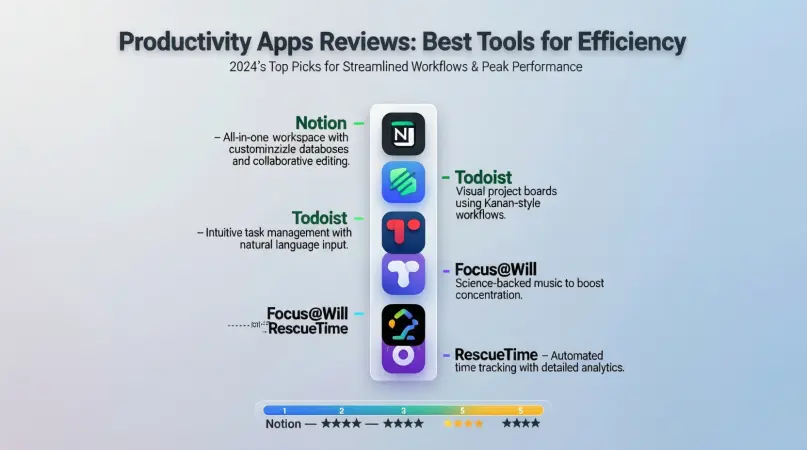
For example, apps like Trello or Asana allow users to organize tasks in boards, lists, and cards. Meanwhile, apps like Notion or Evernote help store notes, ideas, and resources in one place. Some apps, like Todoist, focus on task prioritization and reminders to keep you on track.
Productivity apps are not just for professionals. Students, freelancers, and anyone who wants to stay organized can benefit. By centralizing your tasks and information, these apps save time and help you focus on what truly matters.
Why is Productivity Apps Important?
Productivity apps are important because they transform how you manage your daily life and work. Here are several reasons why they are essential:
- Improved Organization: Productivity apps help you keep all tasks, deadlines, and notes in one place, reducing chaos.
- Time Management: These apps allow you to track time spent on tasks and prioritize work effectively.
- Enhanced Focus: By using productivity apps, you can eliminate distractions and focus on high-priority tasks.
- Collaboration: Many apps offer team features, enabling smooth communication and project tracking.
- Goal Setting: You can set daily, weekly, or monthly goals and track progress efficiently.
- Stress Reduction: By keeping tasks organized and deadlines clear, productivity apps reduce mental clutter and stress.
For beginners, starting with a simple task manager can make a huge difference in daily routines. Intermediate users may prefer advanced tools that integrate multiple features, such as calendars, time trackers, and note-taking options. Overall, productivity apps are essential for anyone aiming to achieve more with less effort.
Detailed Step-by-Step Guide to Using Productivity Apps
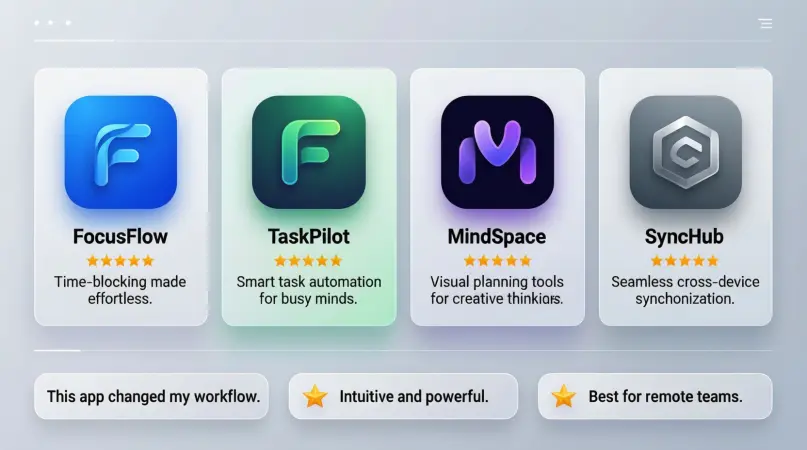
Using productivity apps effectively requires understanding the features, selecting the right tool, and following a structured workflow. Below is a step-by-step guide:
Step 1: Identify Your Needs
Before choosing an app, ask yourself:
- Do I need it for personal or professional use?
- Do I need task management, note-taking, or time tracking?
- Will I use it alone or with a team?
Answering these questions will narrow down your options.
Step 2: Choose the Right App
Here are some top options based on needs:
- Todoist: Best for task management and reminders.
- Trello: Ideal for project management using boards and cards.
- Notion: All-in-one workspace for notes, tasks, databases, and projects.
- Evernote: Perfect for note-taking and organizing ideas.
- Microsoft To Do: Simple and free for task tracking.
- Asana: Great for team collaboration and project planning.
Step 3: Set Up Your Workspace
Once you select an app:
- Create an account and log in.
- Customize your dashboard or workspace.
- Add categories, projects, or boards as needed.
- Set deadlines, priorities, and reminders for each task.
Step 4: Input Your Tasks
Enter all your tasks, assignments, and goals. Use categories or labels for better organization. For example:
- Work: Emails, reports, meetings
- Personal: Groceries, bills, gym
- Study: Assignments, research, reading
Step 5: Prioritize Tasks
Most productivity apps allow you to set priorities: high, medium, or low. Focus on high-priority tasks first.
Step 6: Track Progress
Check your progress regularly. Use built-in analytics or completion percentages to see what is done and what remains.
Step 7: Review and Adjust
At the end of the day or week:
- Review completed tasks
- Reschedule pending tasks
- Adjust priorities if necessary
Regular reviews improve productivity and ensure nothing is overlooked.
Step 8: Integrate With Other Tools
Some productivity apps allow integration with calendars, email, or team communication tools. For example, Notion integrates with Google Calendar, while Asana connects with Slack. Integrations reduce switching between apps and save time.
Benefits of Productivity Apps
Using productivity apps offers numerous advantages, including:
- Better Time Management: Schedule tasks and manage deadlines efficiently.
- Increased Focus: Minimize distractions and concentrate on priorities.
- Task Automation: Automate recurring tasks and reminders.
- Collaboration: Work seamlessly with team members.
- Centralized Information: Keep notes, files, and tasks in one place.
- Accountability: Track progress and stay responsible for your goals.
- Reduced Stress: Clear organization reduces mental clutter.
- Flexibility: Access tasks and projects from any device.
Disadvantages / Risks
While productivity apps are highly useful, there are some downsides:
- Overcomplication: Using too many apps can cause confusion.
- Distractions: Notifications can sometimes be distracting.
- Dependency: Relying entirely on apps may reduce personal discipline.
- Cost: Some advanced apps require subscriptions.
- Learning Curve: Complex apps can be overwhelming for beginners.
- Privacy Risks: Data stored in the cloud may be vulnerable to breaches.
Common Mistakes to Avoid
To maximize the benefits of productivity apps, avoid these mistakes:
- Choosing the Wrong App: Not every app suits every need.
- Overloading Tasks: Adding too many tasks can reduce focus.
- Ignoring Priorities: Failing to set priorities leads to missed deadlines.
- Neglecting Reviews: Not reviewing completed tasks decreases efficiency.
- Avoiding Integration: Not connecting apps with calendars or email limits productivity.
- Skipping Tutorials: Ignoring app guides can prevent effective use.
FAQs About Productivity Apps
1. What is the best productivity app for beginners?
Todoist and Microsoft To Do are ideal for beginners. They are simple, easy to use, and focus on task management without unnecessary complexity.
2. Are productivity apps free?
Many apps offer free versions with basic features. Advanced features, like collaboration tools or analytics, often require a paid subscription.
3. Can productivity apps help reduce stress?
Yes. By organizing tasks, setting reminders, and tracking progress, productivity apps reduce mental clutter and help users feel more in control.
4. Which app is best for teams?
Asana and Trello are excellent for teams. They allow task assignment, progress tracking, communication, and collaboration in one place.
5. How often should I use a productivity app?
Daily usage is recommended. Checking and updating tasks regularly ensures you stay on track and avoid last-minute stress.
6. Can productivity apps improve personal habits?
Yes. Many apps, like Habitica or TickTick, include habit trackers to monitor and build positive habits over time.
7. Are productivity apps suitable for students?
Absolutely. Students can use them to track assignments, manage study schedules, and organize notes efficiently.
8. How do I avoid distractions while using productivity apps?
Disable unnecessary notifications, focus on high-priority tasks, and limit app usage to planned sessions.
9. Can productivity apps replace planners or notebooks?
Yes. Digital apps provide more flexibility, reminders, and integrations, making them a modern alternative to physical planners.
10. Are productivity apps secure?
Most reputable apps use encryption and secure cloud storage, but users should always review privacy policies and use strong passwords.
Expert Tips & Bonus Points
- Start Simple: Begin with one app and gradually explore others.
- Use Templates: Many apps offer ready-made templates for tasks, projects, and notes.
- Set SMART Goals: Ensure goals are Specific, Measurable, Achievable, Relevant, and Time-bound.
- Combine Apps Wisely: Use complementary apps, like Trello for projects and Evernote for notes.
- Regular Backup: Export data periodically to prevent loss.
- Time Blocking: Allocate specific time slots for tasks to boost focus.
- Gamify Productivity: Some apps allow earning points for completed tasks, making productivity fun.
- Stay Consistent: Consistency is more important than the app itself. Daily use yields the best results.
Conclusion
Productivity apps are powerful tools that can transform the way you manage your time, tasks, and projects. Whether you are a beginner struggling to organize your day or an intermediate user aiming to optimize workflows, the right app can make a significant difference. By choosing a suitable app, setting priorities, and following a structured approach, you can reduce stress, increase efficiency, and achieve your goals more effectively.
While there are many productivity apps available, focusing on your specific needs, integrating them with other tools, and avoiding common mistakes will maximize their benefits. Remember, technology is only as effective as the habits you build around it. Regular reviews, consistent usage, and smart goal setting are key to truly leveraging these apps.